one-handed iphone guide

a left-handed iphone keyboard that stays within reach.

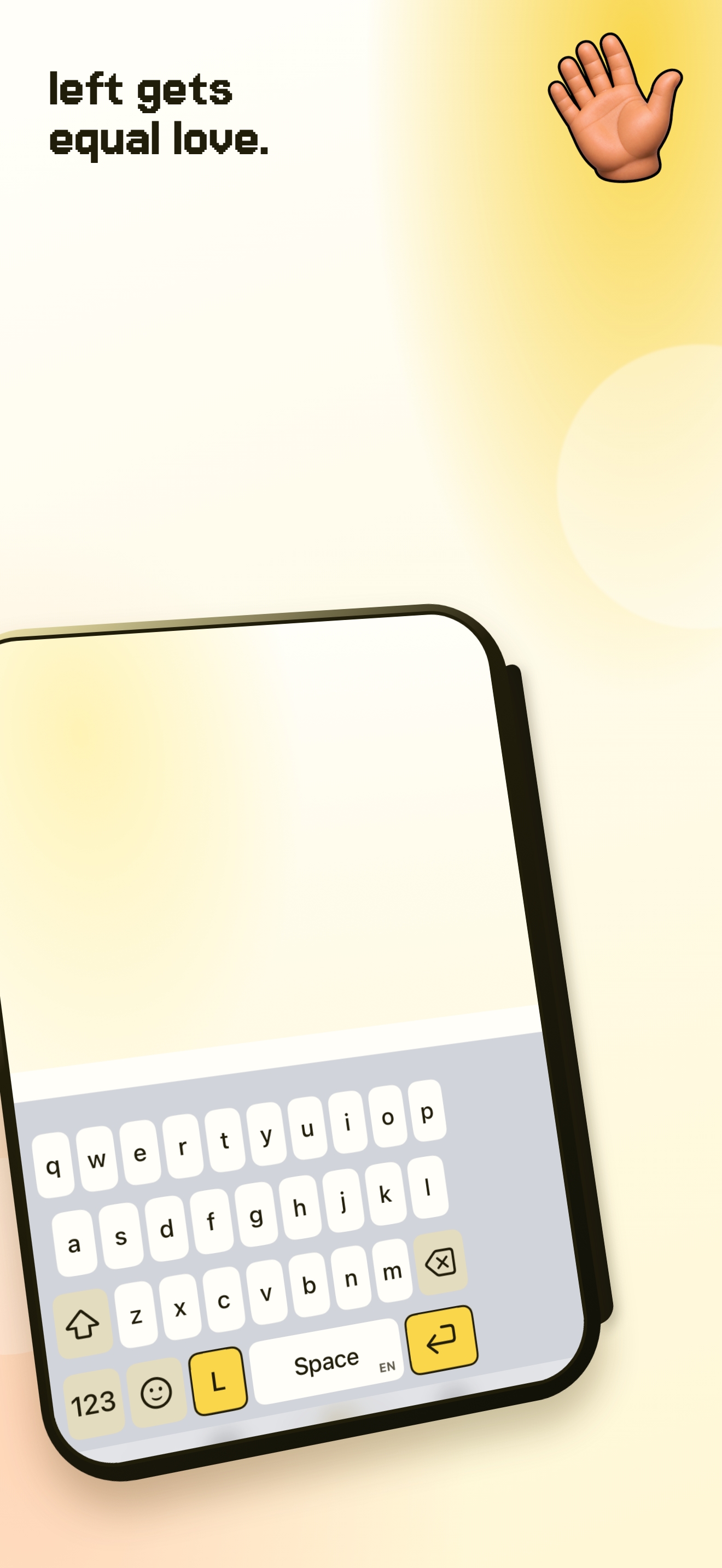
for left-handed typing, move the keyboard to the left side of the screen so the keys and essential controls sit closer to your left thumb.

download una mano for free
  • made for iphone
  • works without full access
  • 14 days free
an iphone showing una mano positioned on the left side of the screen.

left hand first.

most phone keyboards assume the whole width of the screen is easy to reach. when you hold your iphone in your left hand, the far right keys can be the awkward part.

a left-positioned keyboard makes the active typing area shorter without asking you to change your grip.

apple and una mano.

iphone has a built-in left-handed layout. touch and hold the emoji or globe key, then choose the left layout.

una mano is useful when you want a left position that is quick to return to, with the keyboard controls gathered to your chosen side.

switch sides when life does.

you might type with your left hand on the train and your right hand while holding a bag. una mano lets you move from left to centre to right without changing the keyboard layout you know.

questions people ask.

is una mano good for left-handed iphone users?

yes. choose the left position to bring the keyboard closer to your left thumb.

does iphone already have a left keyboard?

yes. apple offers a left-handed layout from the emoji or globe key menu.

can i switch back to centre?

yes. choose centre whenever both thumbs are available.

put your keyboard within reach.

download on the app store