

pick your side
left, centre, or right. put the keys where your thumb lands.

a one-handed iphone keyboard that moves left, centre, or right to stay within reach.
the keyboard changes position. the rest stays familiar.
left, centre, or right. put the keys where your thumb lands.

with plus, swipe across the keyboard to move it without leaving the conversation.

emoji, numbers, and the globe stay on the side you choose.
your keyboard keeps its familiar layout. only its position changes, so one handed typing asks less of your thumb.
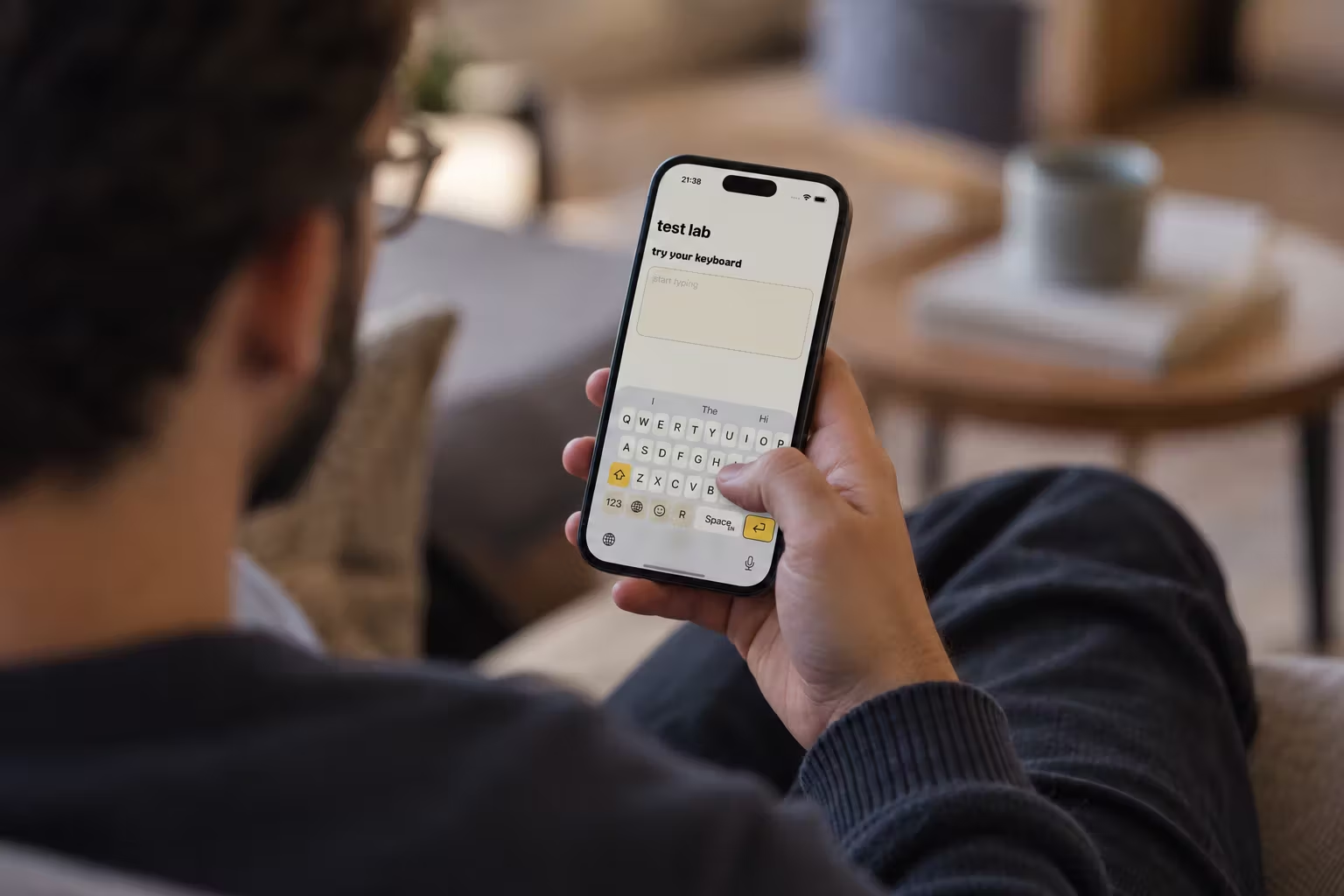
find the keyboard setup that fits the way you hold your iphone.
move the keys to the side your thumb can reach without learning a new layout.
read the guideput the keyboard and its essential controls closer to your left thumb.
read the guideunderstand what the permission does and what una mano works without.
read the guideuna mano does not store, log, or send the text you type in other apps. full access is optional. it lets keyboard settings and tutorial progress save back to the companion app. it does not turn on text collection.
read the privacy policyevery plus feature starts unlocked. no paid plan is selected, and nothing is charged when the preview ends.
after the preview, basic stays usable. no plan starts automatically.
install the app, add una mano in iphone settings, then choose it from the globe key. the app guides the setup.
no. core typing and switching work without it. full access only lets keyboard-side settings and tutorial progress save back to the app.
ios uses apple's keyboard in secure fields and some phone-number fields.
una mano becomes basic. you keep the position button and can use every released typing layout, one active layout at a time. plus adds swiping, motion switch, multiple active layouts, and five app icons.
yes. basic lets you choose any released typing layout in the app. plus keeps multiple layouts active and lets you switch with an up or down swipe on the keyboard.
yes. open una mano plus in the companion app and choose restore purchases.
