
screen size and hand size are different.
a large iphone can be great for reading, maps, photos, and work. it can also make a full-width keyboard feel like a longer reach than your hand wants to make.
there is no right hand size for a phone. the useful question is whether you can reach the keys you need without repeatedly shifting your grip.
shorten the keyboard reach.
iphone’s left and right keyboard layouts are a good place to start. reachability can also lower the top half of the screen for controls that sit above the keyboard.
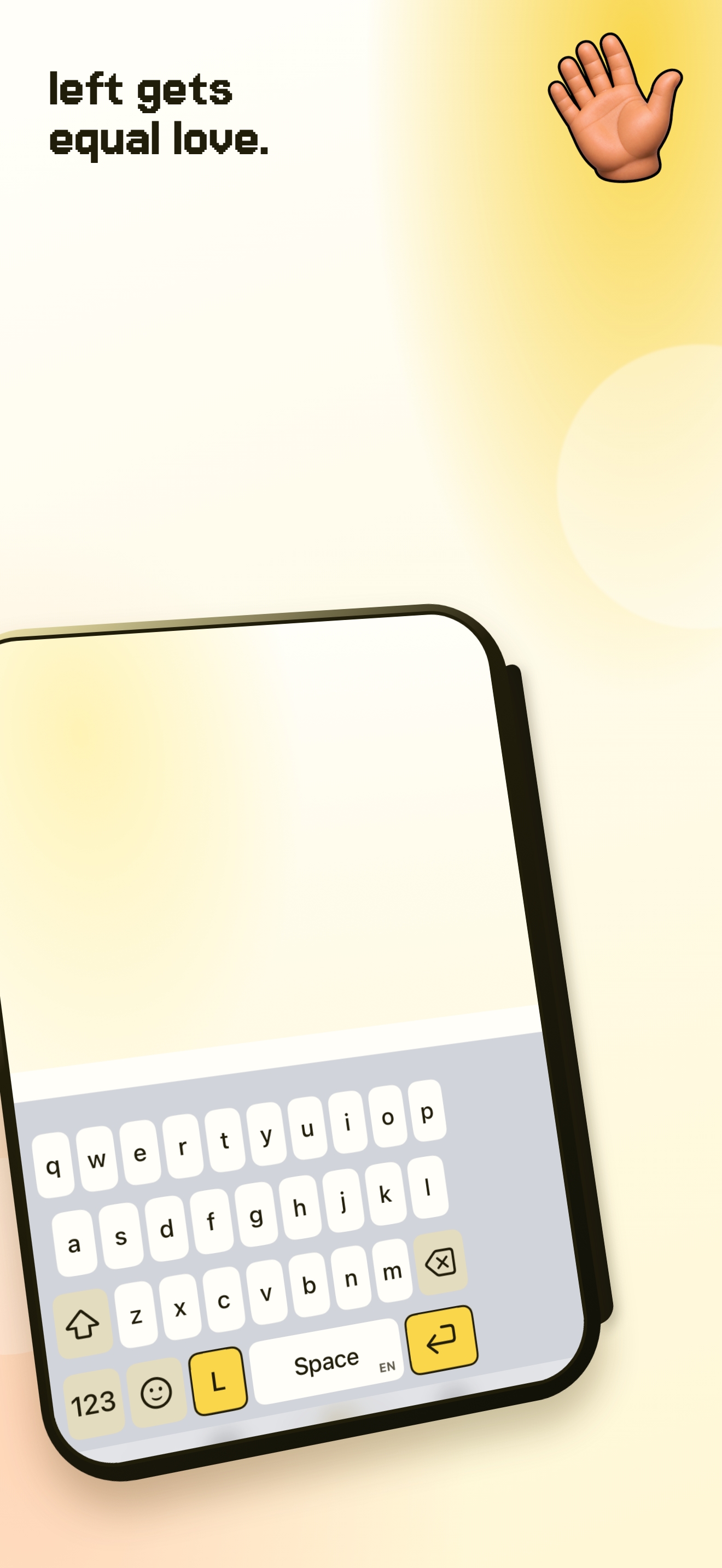
una mano keeps qwerty familiar and places the keyboard left, centre, or right. that turns a large screen from an all-or-nothing reach into a position you can choose.
try the side that fits.
put the keyboard on the side of the hand you are using. keep centre for two-thumb typing. move it again when the other hand becomes the free one.
it is not about forcing your hand to work around the phone. it is about letting the keyboard take the shorter route to your thumb.