start with apple’s keyboard.
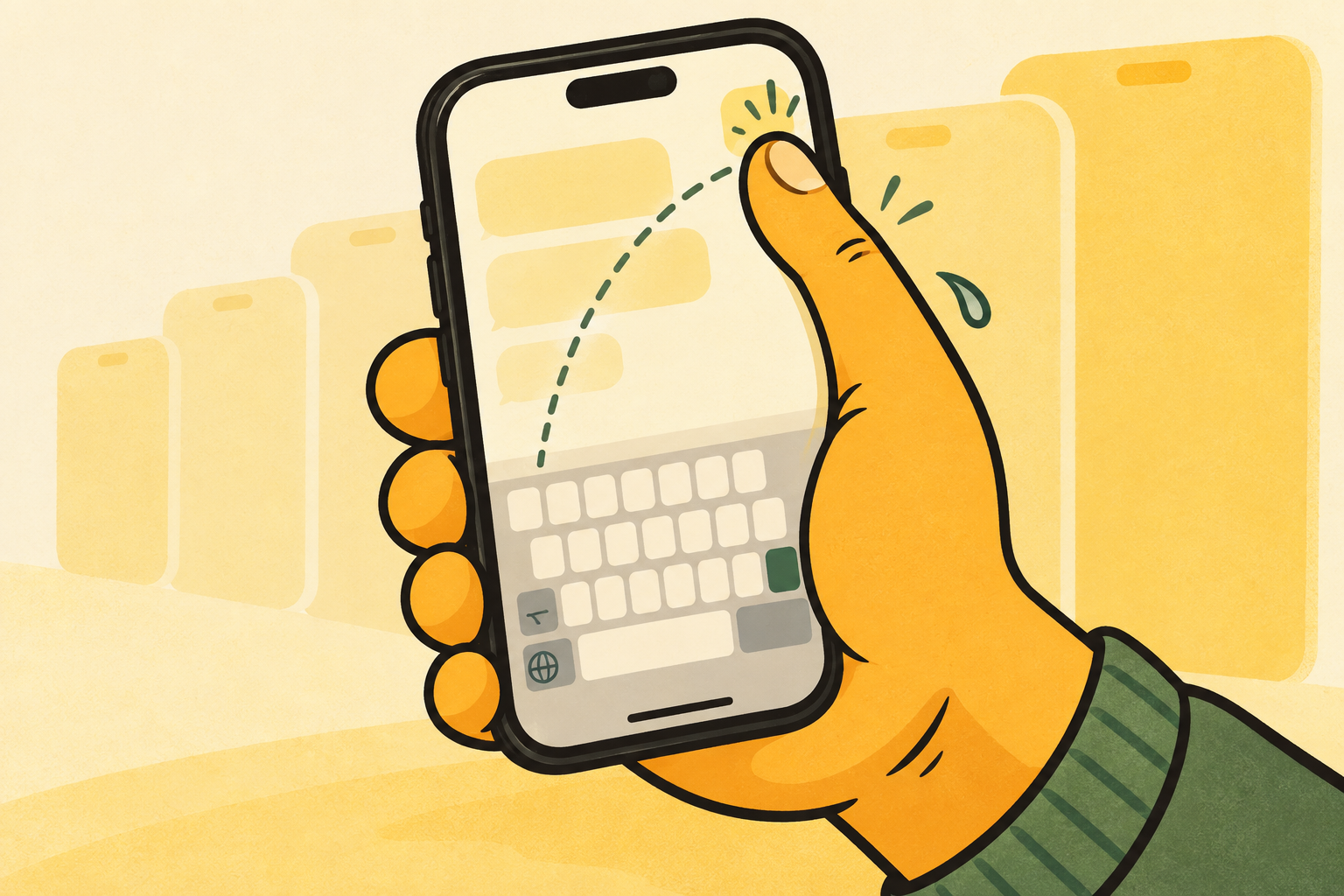
iphone already has a one-handed keyboard mode. touch and hold the emoji or globe key while typing, then choose the left or right layout. it is a good first fix when the far side of the keyboard feels out of reach.
the choice is not apple or something else. apple’s built-in mode is worth trying first, especially if you only need an occasional shift toward one edge.
where the experience changes.
apple’s keyboard moves left or right from the keyboard-switching menu, then returns to centre when you tap the open edge. una mano keeps the familiar qwerty layout but gives you left, centre, and right positions from inside the keyboard.
that matters when your free hand changes during the day. instead of treating one-handed typing as a special mode, you can make position part of the normal way you type.
pick the lightest tool for the job.
use apple’s option when it already gives you the reach you need. choose una mano when you want the keyboard controls close to the active thumb, a centre position between one-handed moments, and an easier way to move while you are already writing.
neither option asks you to learn a new alphabet. the useful difference is how easily the keyboard can meet the hand you have free.
compare the two in real life.
the difference is small on paper, but clear in a real conversation.
- apple: choose a left or right layout from the emoji or globe-key menu when you need it.
- una mano: choose left, centre, or right from the keyboard position control while you are already using una mano.
- apple: return to centre by tapping the empty edge next to the shifted keyboard.
- una mano: return to centre from the same position control when two-thumb typing makes more sense again.
a note from the maker.
i made una mano, so this is not a neutral product review. i built it because apple’s feature was useful, but i wanted keyboard position to be easier to change once a conversation had already started.
if apple’s built-in layout does what you need, keep using it. una mano is for the more specific case where a flexible keyboard position is the part that makes one-handed typing workable.
a simple decision rule.
start with apple when you want a built-in, occasional left or right shift. try una mano when the keyboard is a daily reach problem, you regularly switch hands, or centre is part of your normal typing rather than an exit state.
the useful test is not which keyboard has more features. it is whether you can answer a normal message without reaching across the phone or interrupting the conversation to rearrange it.