the hand you have free is the one that counts.
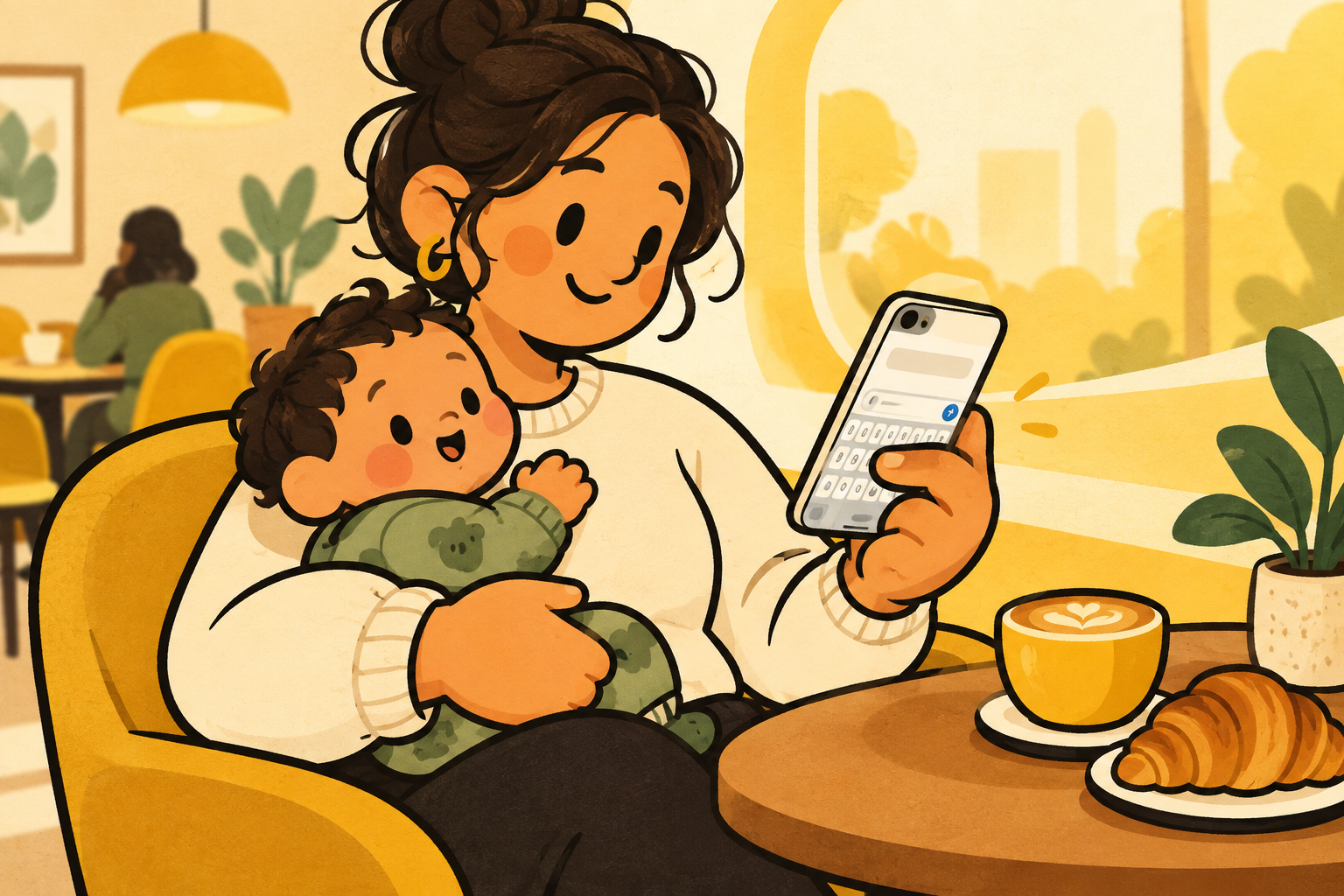
parenting creates lots of small phone moments. you are checking a message while a bottle warms, confirming a delivery while a child naps, or replying to the family chat with a baby on your shoulder.
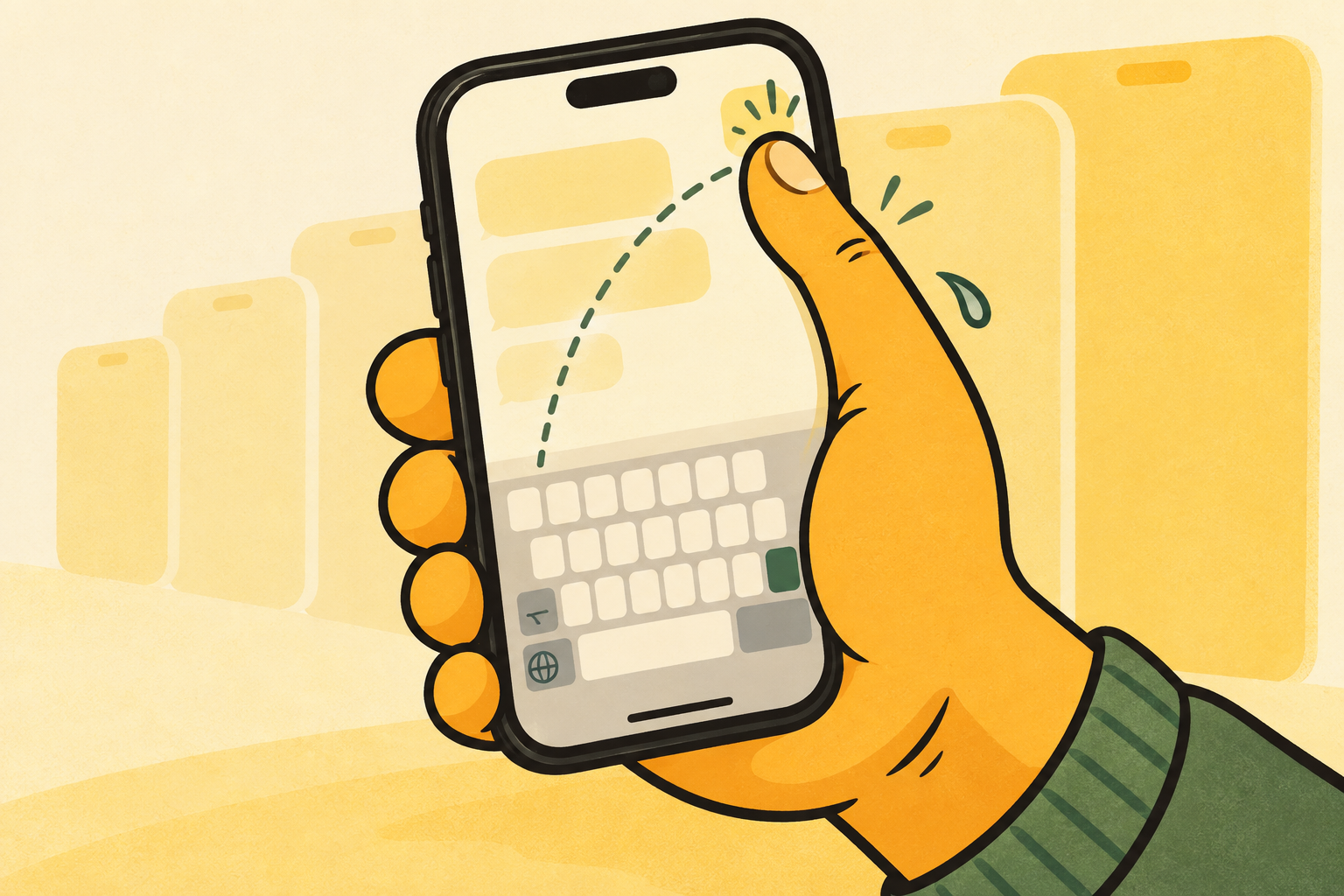
in those moments, two-handed typing is not a realistic default. the useful question is not whether you can hold an iphone with one hand. it is whether the keys you need sit where your thumb can actually reach them.
make the small moments easier.
a few tiny changes make one-handed phone use feel much less fussy. start with the things you do all day, not a complicated new routine.
- keep the keyboard on the side of your free hand.
- turn on reachability if the top of the screen is hard to reach.
- use dictation for a long message when typing would take too much attention.
- save a few text replacements for repeat replies such as on my way or running late.
a keyboard that follows your thumb.
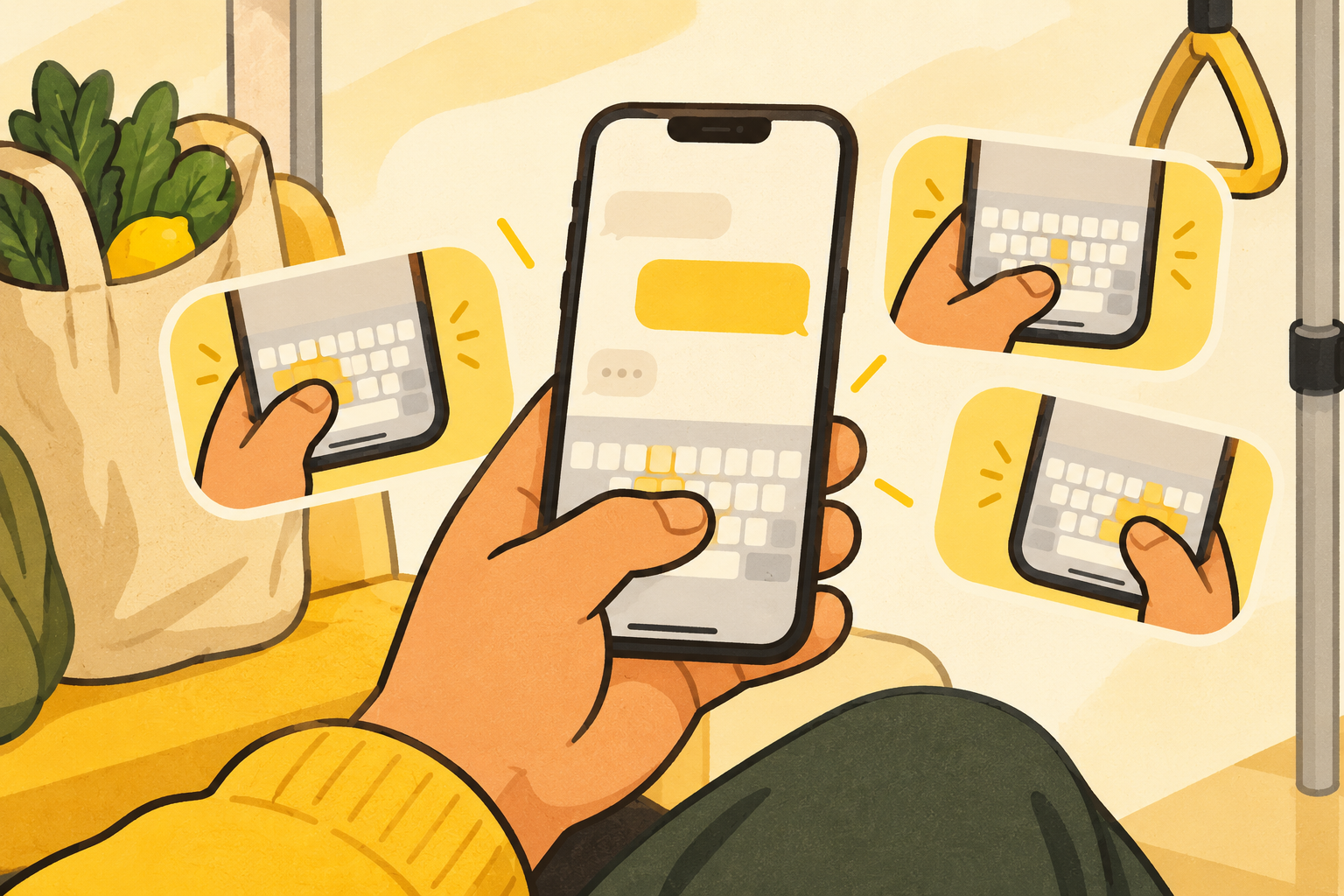
apple gives you a one-handed keyboard option, which is a good place to start. una mano is for the times you want that position to stay easy to change while you are already in a conversation.
choose left, centre, or right, then keep typing on a layout that still feels familiar. the goal is not to make you learn a new keyboard. it is to make the keyboard meet the hand you already have free.
build a one-hand routine.
the easiest setup is usually the one you can use without thinking. put the keyboard on the side of the hand you tend to have free, then keep a few small shortcuts ready for the replies you send every day.
for a long message, dictation may be the better choice. for a quick yes, address, or update, a keyboard that stays under your thumb is often less disruptive than stopping what you are doing to switch hands.
the goal is not to do everything on a phone with one hand. it is to make the small, ordinary replies feel less like an extra task.
keep attention on the important thing.
one-handed convenience should not compete with the person or task in front of you. if typing would take your attention away from a child, a crossing, or a hot pan, wait or use a short voice reply later.
when the moment is genuinely available, fewer grip changes and a shorter keyboard reach can make a small reply feel calmer rather than rushed.
start with one real moment.
try your setup during a normal moment that already asks for one hand: while holding a bag, waiting by the cot, or standing on a train. a tool earns its place when it works in the moment that made you look for it.
if you need to change your grip before every word, move the keyboard. if you cannot spare the attention, leave the reply for later. both are better than making one-handed typing the centre of the moment.