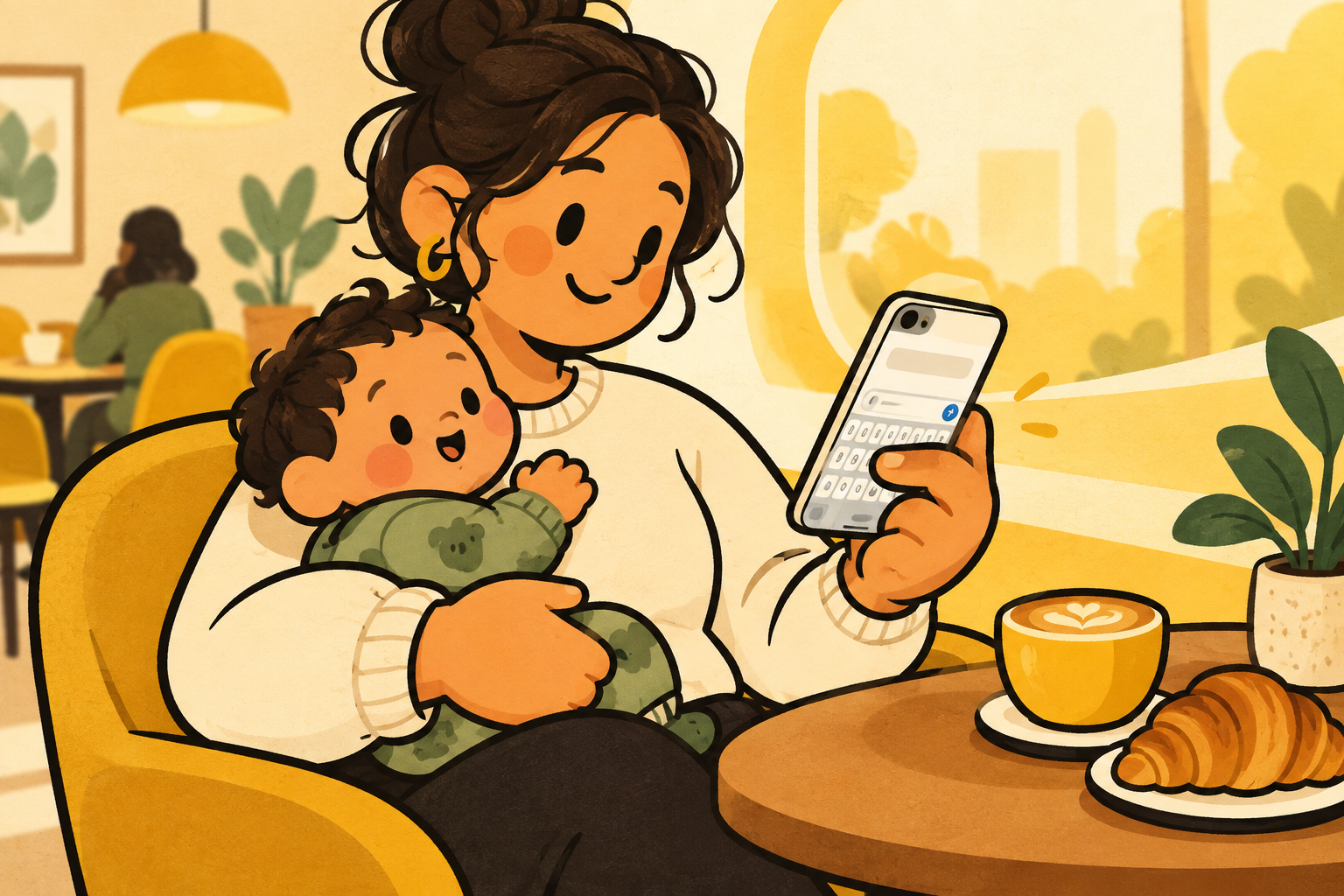
more screen is not the whole story.
a larger iphone is excellent for photos, maps, reading, and seeing more of a conversation. the tradeoff shows up in the quick little interactions that happen while you are walking, carrying something, or only have one hand free.
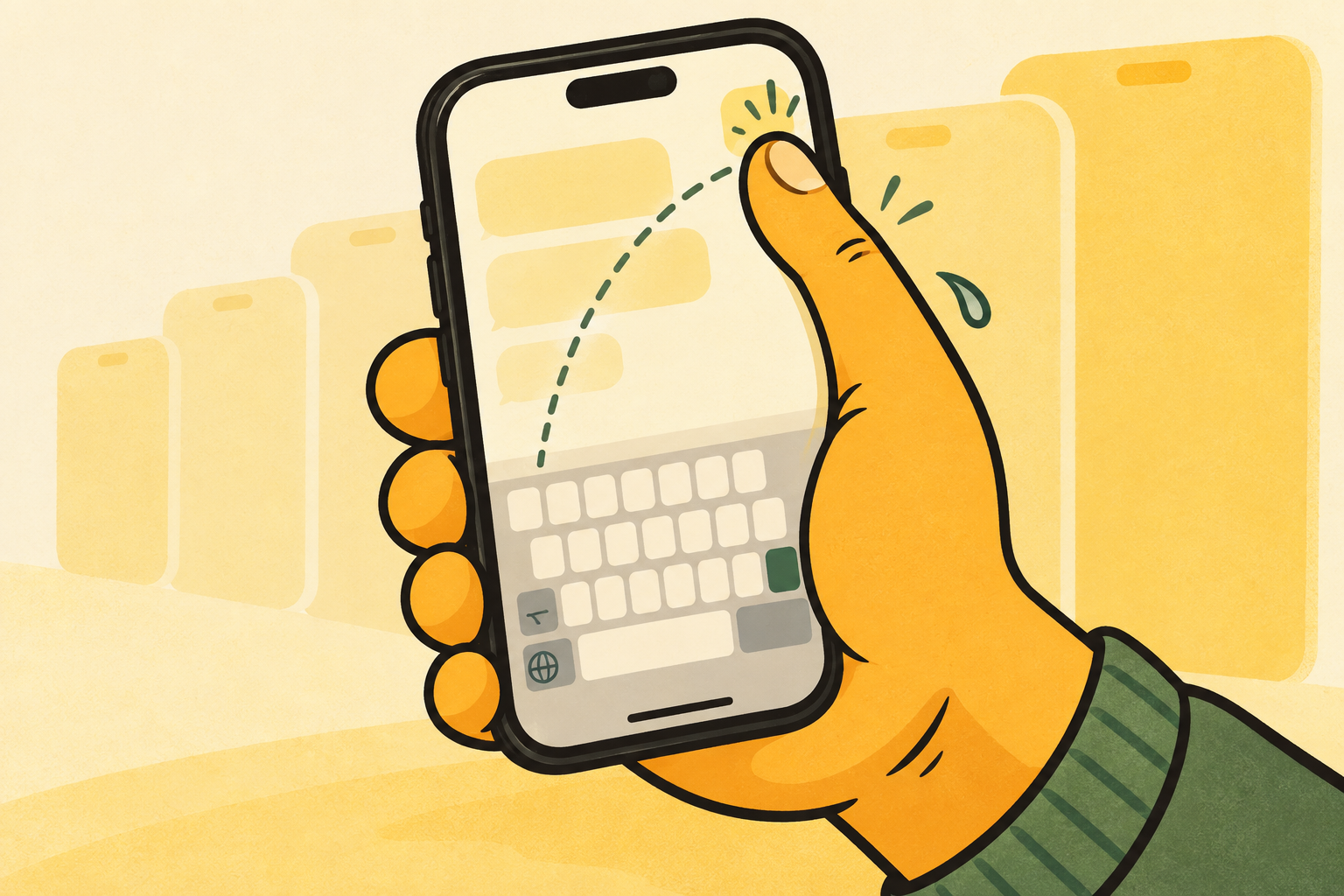
when your thumb has to stretch for the far side of the keyboard, your grip changes too. that is where a simple reply starts to feel more awkward than it needs to be.
reach is a layout problem.
the problem is not that a bigger phone is bad. it is that the controls at the bottom of the screen often assume both hands are available. moving the part you use most can be more useful than changing how you hold the whole phone.
apple built reachability to bring the top of the screen lower. apple also lets you move its keyboard closer to the left or right edge. both are helpful ways to make a large screen work with one hand.
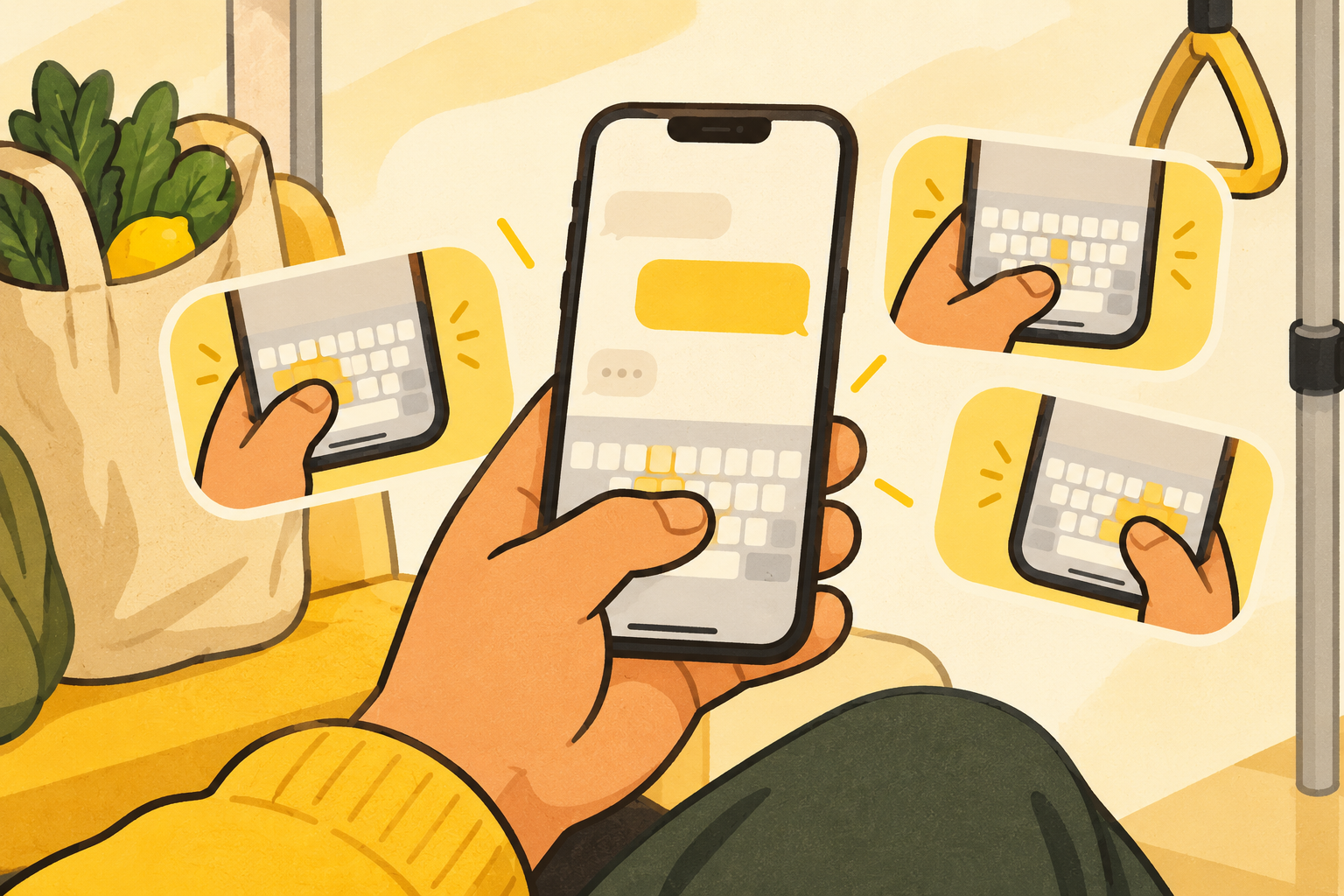
keep your grip. move the keys.
una mano keeps a familiar keyboard layout but places it left, centre, or right. that means you can choose a side for the hand you are using instead of stretching across the screen or changing your grip between every sentence.
it is a small adjustment, but these small adjustments are exactly what make a large iphone feel less like a two-hand device.
a smaller phone is not the only answer.
choosing a smaller phone is one valid way to shorten reach, but it also asks you to give up screen space you may genuinely enjoy for reading, maps, photos, or work. there is no universal correct size.
before replacing a phone you otherwise like, try changing the controls that create the most friction. reachability brings the top half of iphone down. a left or right keyboard changes the part you touch most when replying.
make size a choice, not a compromise.
a large screen and one-handed typing do not have to be enemies. the useful setup is the one that lets you enjoy the screen when you have both hands, then brings the keyboard closer when you do not.
una mano is designed around that switch: centre when you want a familiar full conversation, then left or right when the other hand is already busy.
start lower and closer.
the top of a large screen and the far side of a keyboard are different reach problems. reachability helps with the first. a one-handed keyboard helps with the second. using both is often more useful than trying to solve everything with a new phone or a tighter grip.
once the key controls sit where your thumb naturally lands, the size of the rest of the screen becomes a benefit again instead of a constant compromise.