start with your free hand.
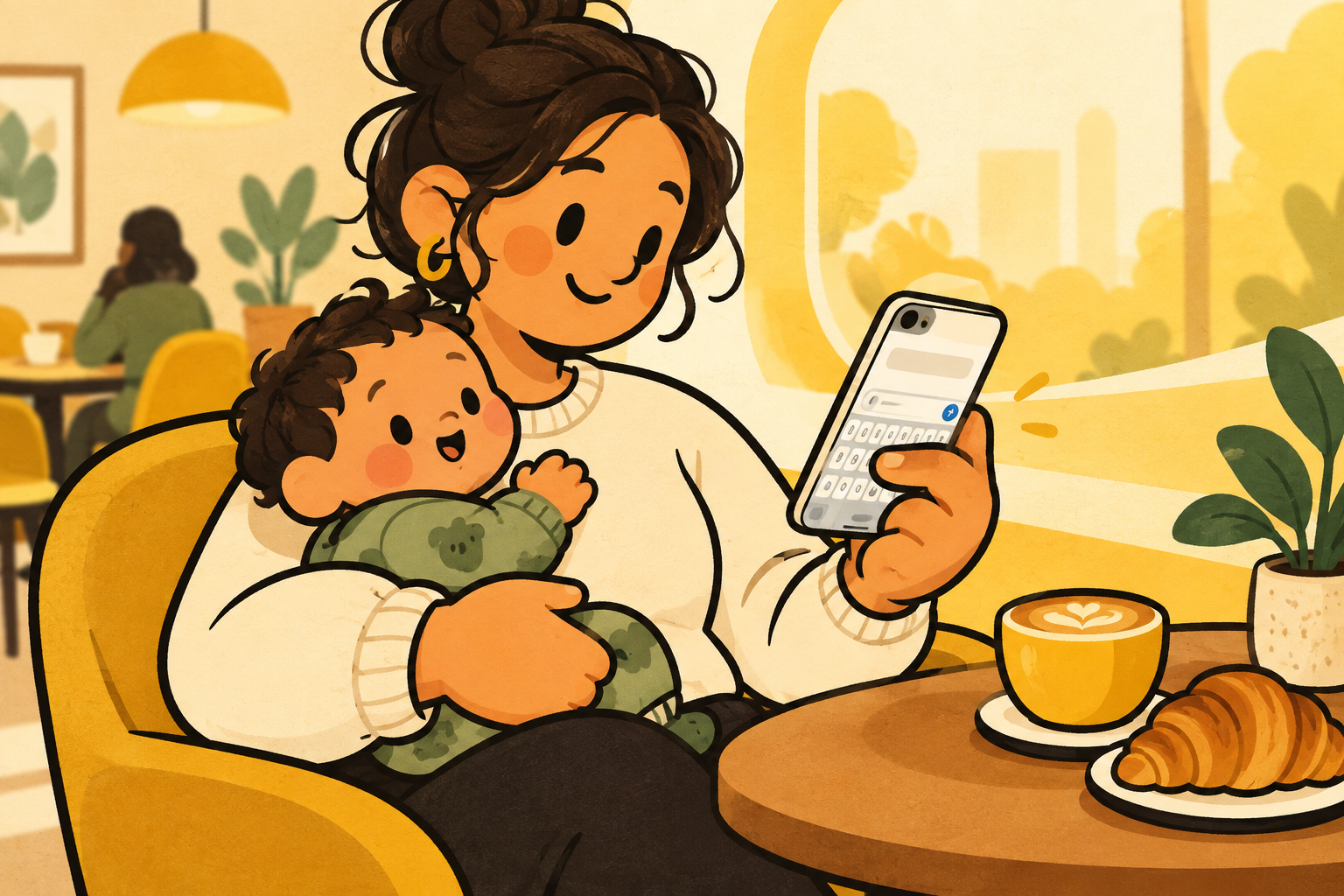
one-handed iphone use is not one fixed setup. your free hand changes when you carry a bag, hold a rail, feed a child, or balance a coffee. it helps to make the phone adaptable rather than expecting your hand to do the adapting.
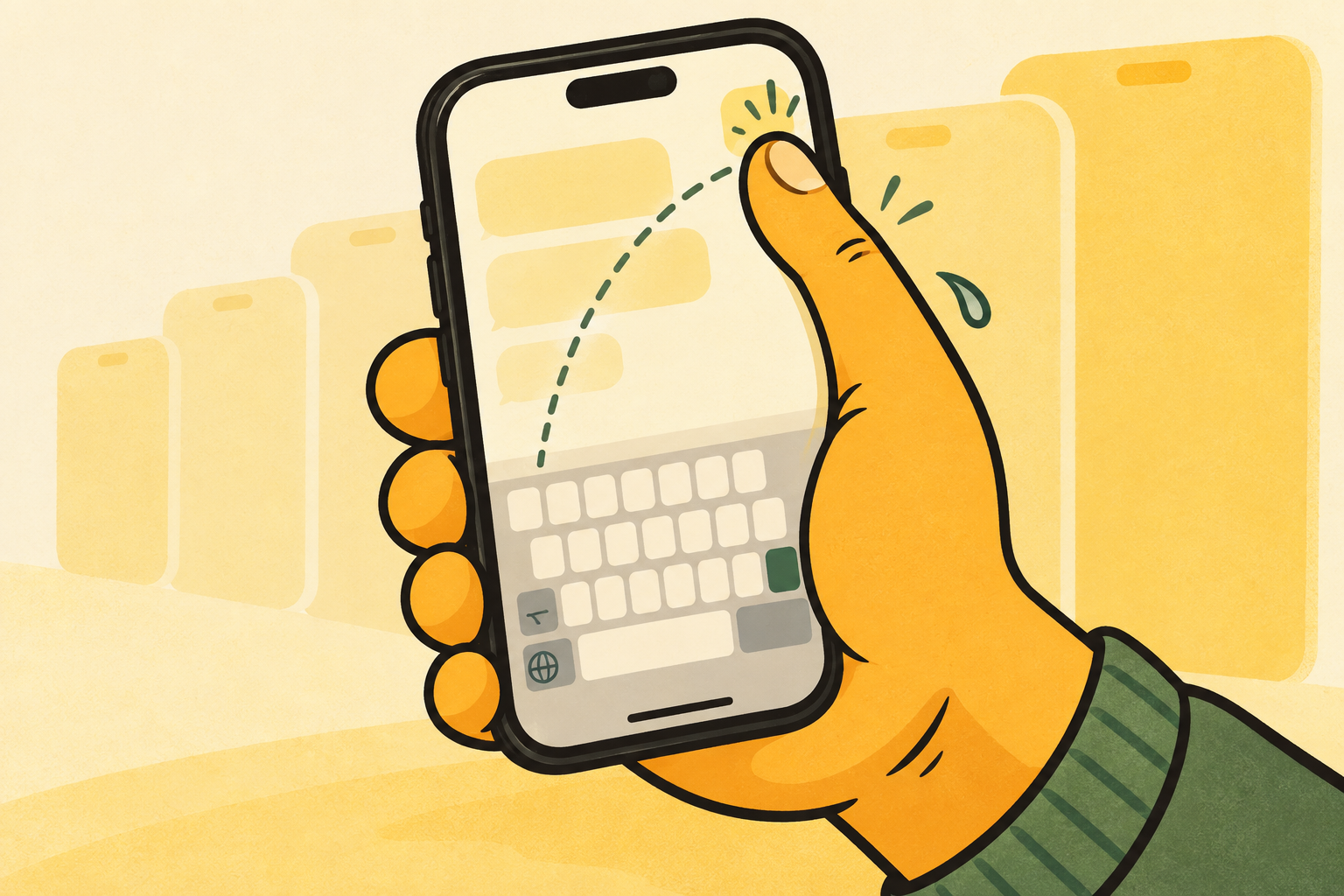
start by noticing which thumb is doing the work. your keyboard and the most common controls should be closest to that thumb.
use the built-in tools.
iphone already includes a few useful options for a shorter reach. they are worth knowing before you add anything new.
- hold the emoji or globe key, then choose the left or right keyboard layout.
- turn on reachability in settings, accessibility, touch to lower the top half of the screen.
- hold the space bar to turn the keyboard into a trackpad when moving the cursor.
- use dictation when a message is longer than your thumb wants to type.
make typing the easy part.
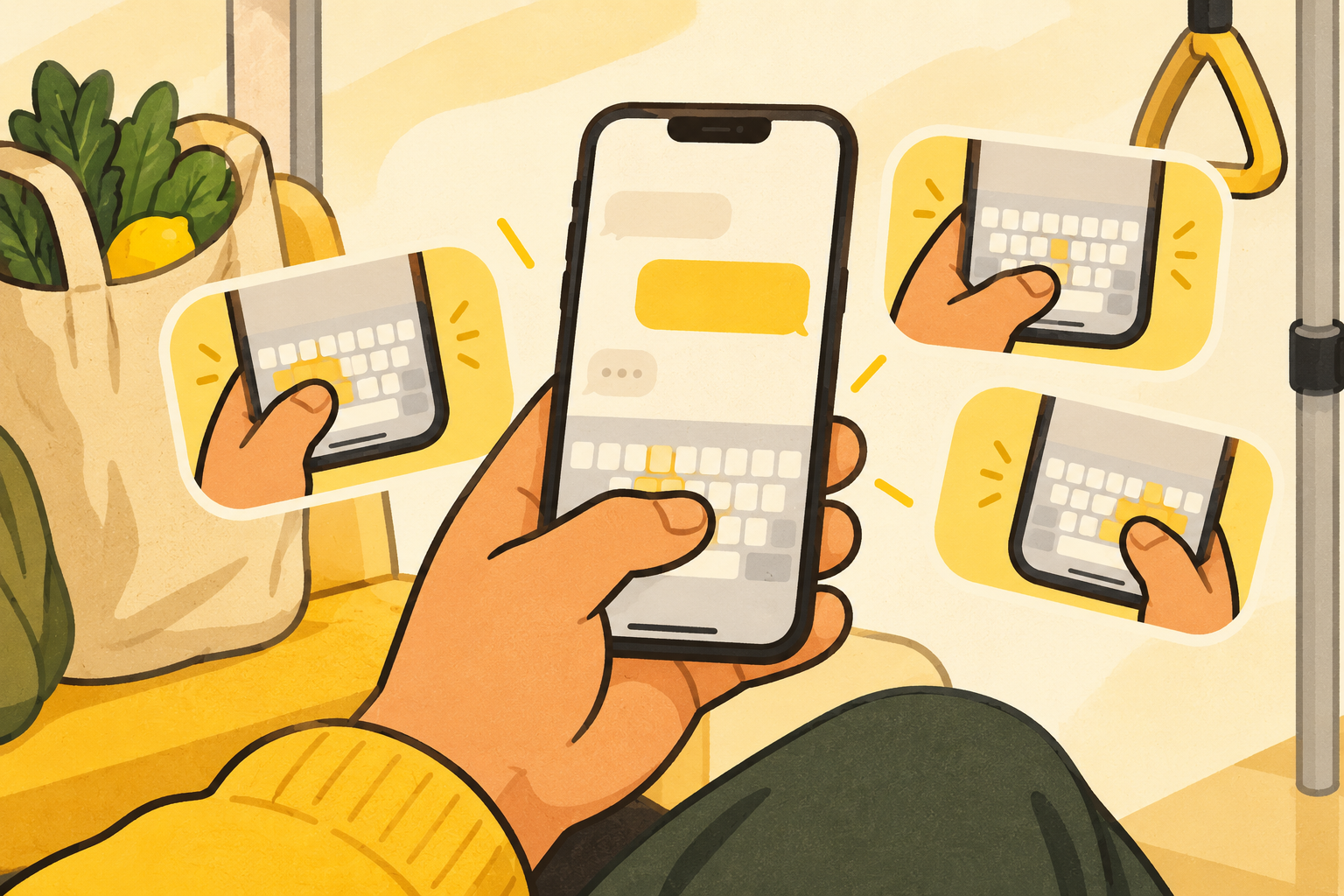
the built-in keyboard position is useful, but it takes a few touches to change. una mano gives you the same left, centre, and right idea in a keyboard designed around moving the keys while you type.
keep the layout familiar, choose the side that fits your thumb, and go back to what you were doing. the best one-handed setup should feel almost invisible.
pick the right tool for the message.
a quick reply is a good test for a one-handed keyboard. a detailed correction is a good moment for the space-bar trackpad. a long message may be easier to dictate, then review when you have both hands free.
these are not competing techniques. they are a small toolkit for the same goal: keep the phone useful when the rest of life is happening at the same time.
make the setup stick.
try the built-in left or right layout for a few real conversations before deciding whether you need more. if you change hands often, a keyboard that can return to centre and move again without leaving the conversation may fit better.
the best one-handed iphone setup does not announce itself. it simply removes the moment where you would otherwise put something down, shift your grip, and lose your train of thought.
a two-minute setup.
first, turn on reachability if the top of the screen is a stretch. next, hold the emoji or globe key in a message and try apple’s left and right keyboard layouts. finally, send a few normal replies with each side before judging either one.
if the practical issue is that you move between hands or want to return to centre without a detour, add una mano and choose the position that fits the moment. keep the changes that disappear into your routine.