
custom is not automatically complicated.
a custom keyboard is an app extension you choose in iphone settings, then select from the globe key when you type. people use them for languages, symbols, swipe input, prediction, or a layout that better fits the way they hold a phone.
the best reason to add one is specific. you should be able to name the friction it removes before you ask yourself to learn a new habit.
what una mano changes.
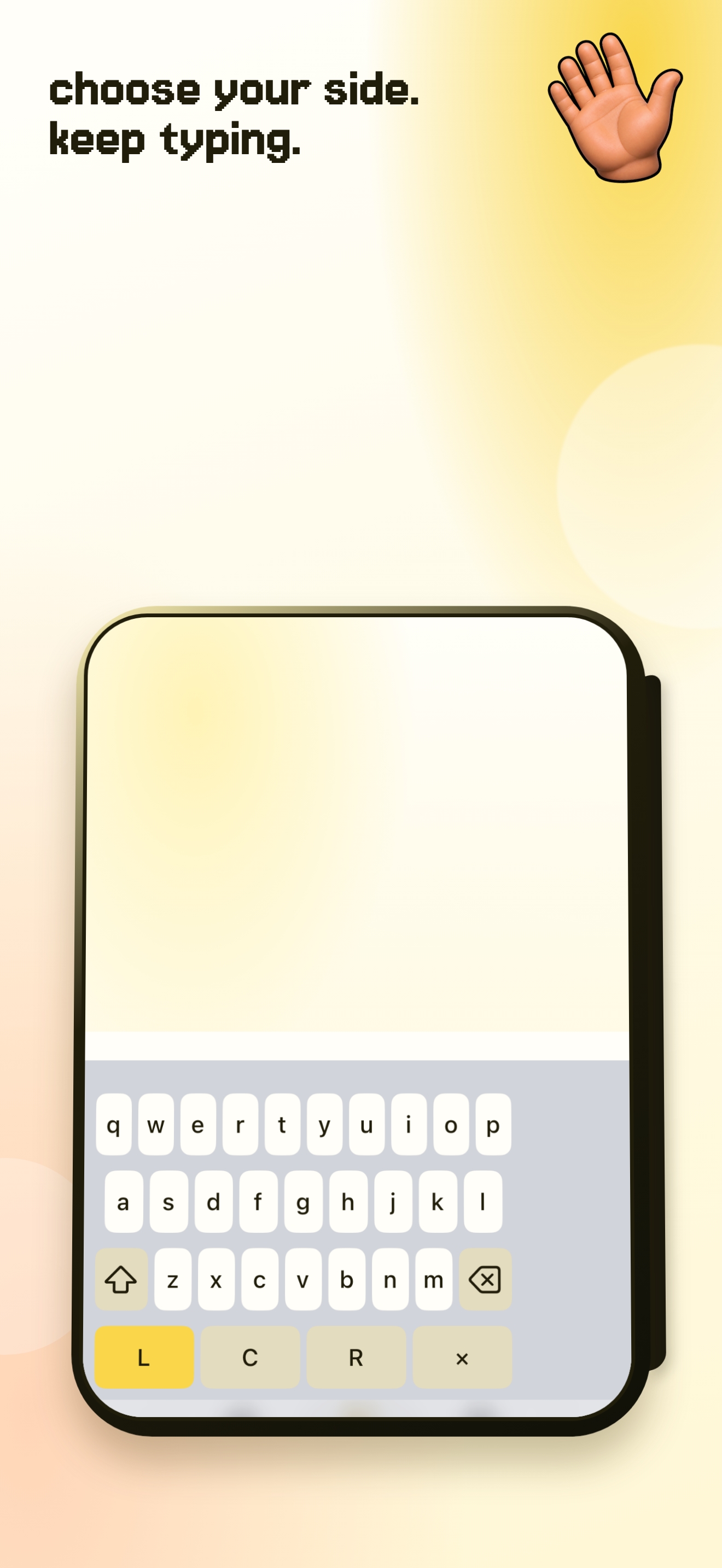
una mano changes the position, not the alphabet. choose left, centre, or right to keep the useful keys closer to the thumb that is already holding your iphone.
core typing and position switching work without full access. iphone still uses apple’s keyboard in password fields and may use it in some phone-number fields by iOS design.
what to check before you install.
look for a clear explanation of permissions, the features you care about, and whether the keyboard asks you to change more than you want. a keyboard is used in sensitive places, so clarity matters as much as convenience.
una mano does not log, store, or transmit the text you type in other apps. full access is optional and only supports keyboard-side settings and tutorial progress syncing with the companion app.