start with the problem, not the keyboard.
not every keyboard frustration is the same. sometimes you want faster word prediction. sometimes you want to glide across letters. sometimes you need another language or a different way to enter symbols.
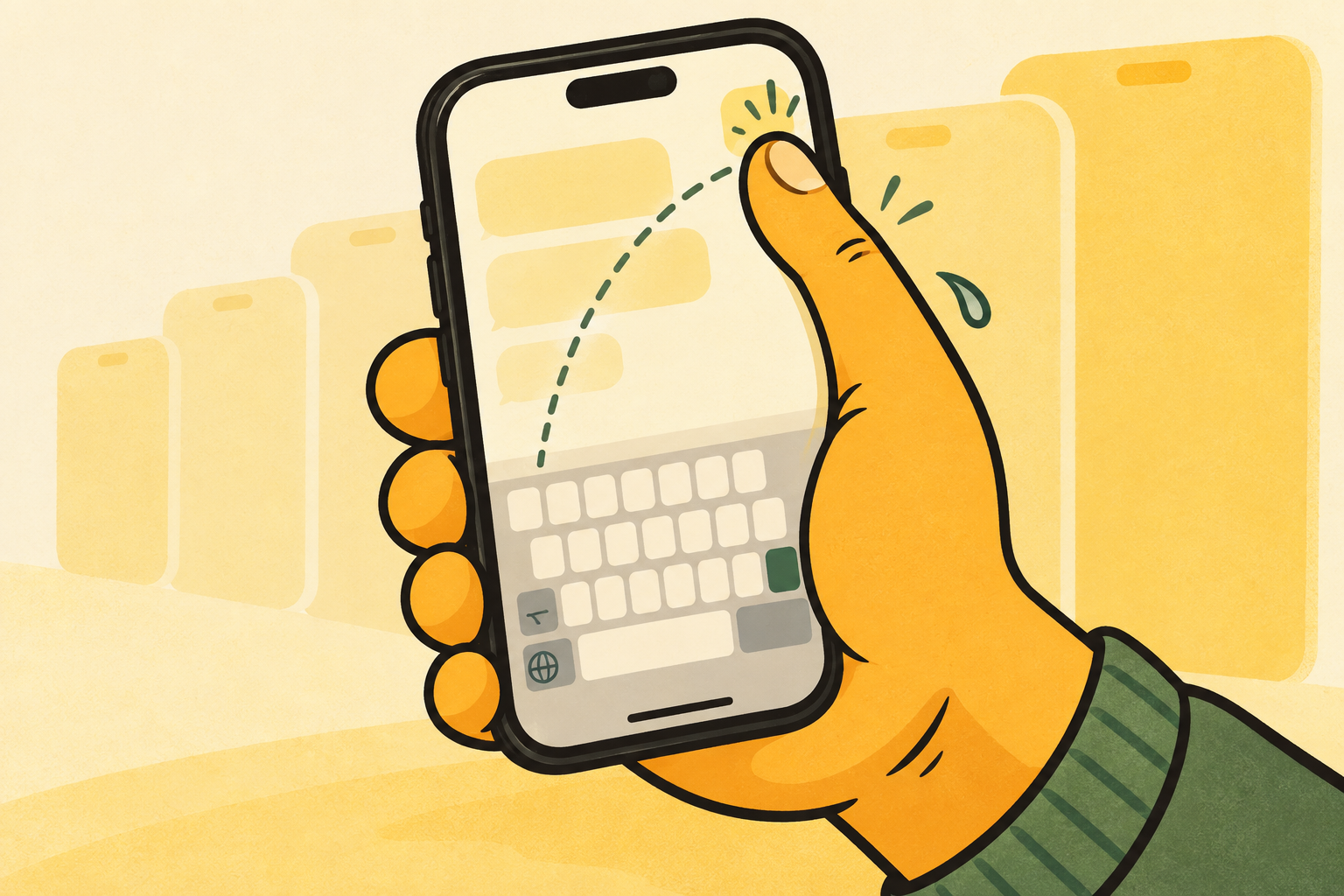
and sometimes you know exactly what you want to type, but the keys sit farther away than your thumb can comfortably reach. a useful keyboard choice begins with knowing which of those problems you actually have.
four different jobs.
iphone keyboards tend to make one of four promises. each can be useful, but none is automatically better for every moment.
- prediction-first keyboards try to guess the next word or improve correction.
- swipe-first keyboards aim to make word entry faster once the gesture feels natural.
- alternative-layout keyboards trade familiarity for a different typing system.
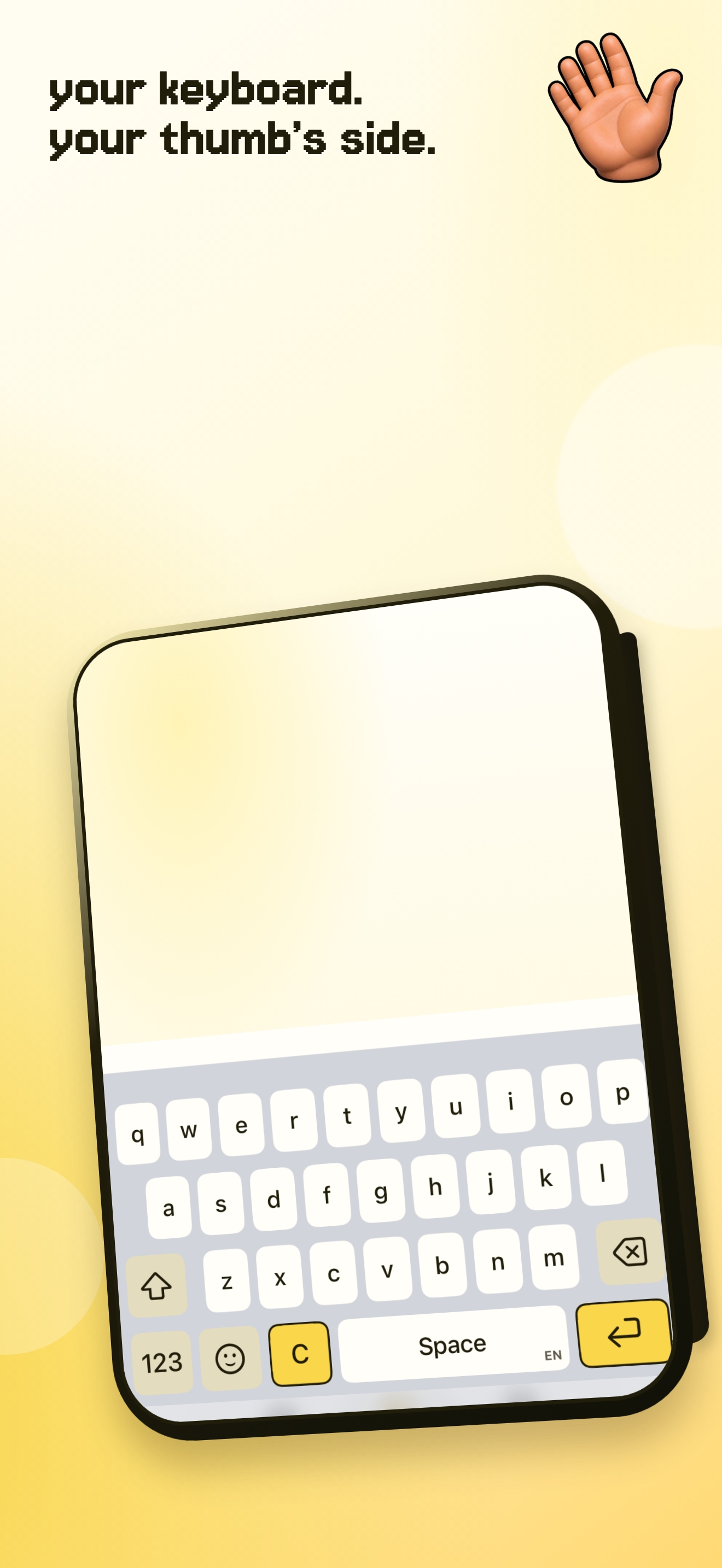
- position-first keyboards keep qwerty familiar and bring the active keys closer to the thumb doing the work.
a smaller change can be enough.
una mano is position-first. it is for people who do not want to relearn where the letters are; they want the letters to stop living across the whole width of a large phone.
that makes it a practical companion to apple’s keyboard rather than a claim that every person needs to replace it. try the option that solves your actual friction with the least new habit.
choose by the moment.
if you regularly correct the same words, prediction and correction may deserve your attention. if your hands are usually free and you want speed, swipe input may be worth learning. if the keyboard feels hard before you have typed a single letter, start with reach instead.
that last problem is where una mano fits. it keeps the letters, punctuation, and habits you already know, then changes where the active keyboard sits. it is not trying to be the best keyboard for every task. it is trying to make a specific physical reach problem smaller.
what to check before you switch.
before adding a custom keyboard, check whether it supports the language and layout you use, how it explains permissions, and what happens in secure fields. a keyboard is used in sensitive moments, so the tradeoff should be clear before you install it.
with una mano, core typing and position switching work without full access. iOS still uses apple’s keyboard in password fields and may use it in some phone-number fields. that is a platform rule, not a feature a custom keyboard can override.
do not chase features you will not use.
a feature list can make every keyboard sound indispensable. in practice, the right keyboard is usually the one that removes a recurring annoyance without creating a new routine you have to remember.
choose one friction to solve first. when reach is the friction, a position-first keyboard is easier to evaluate than a dozen features that solve a different problem.