access is not one shape.
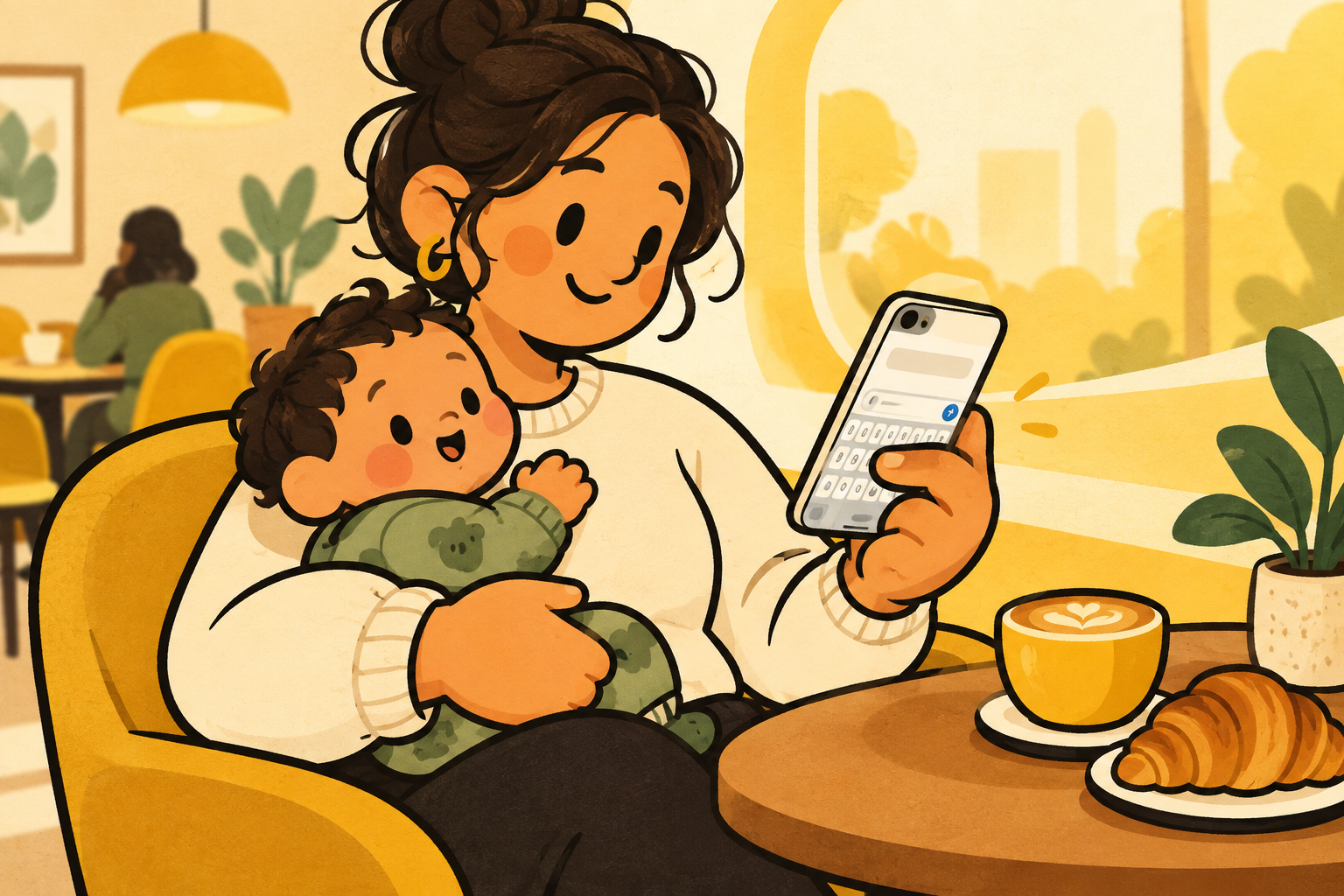
people use their phones with different grips, different hands, different ranges of motion, and different amounts of attention. a keyboard that works well at a desk can feel very different while someone is standing, recovering their balance, or simply has one hand occupied.
that is why accessibility is not only about adding a specialised mode. it is also about giving people ordinary controls that can adapt to how they are using the phone now.
reach is a real setting.
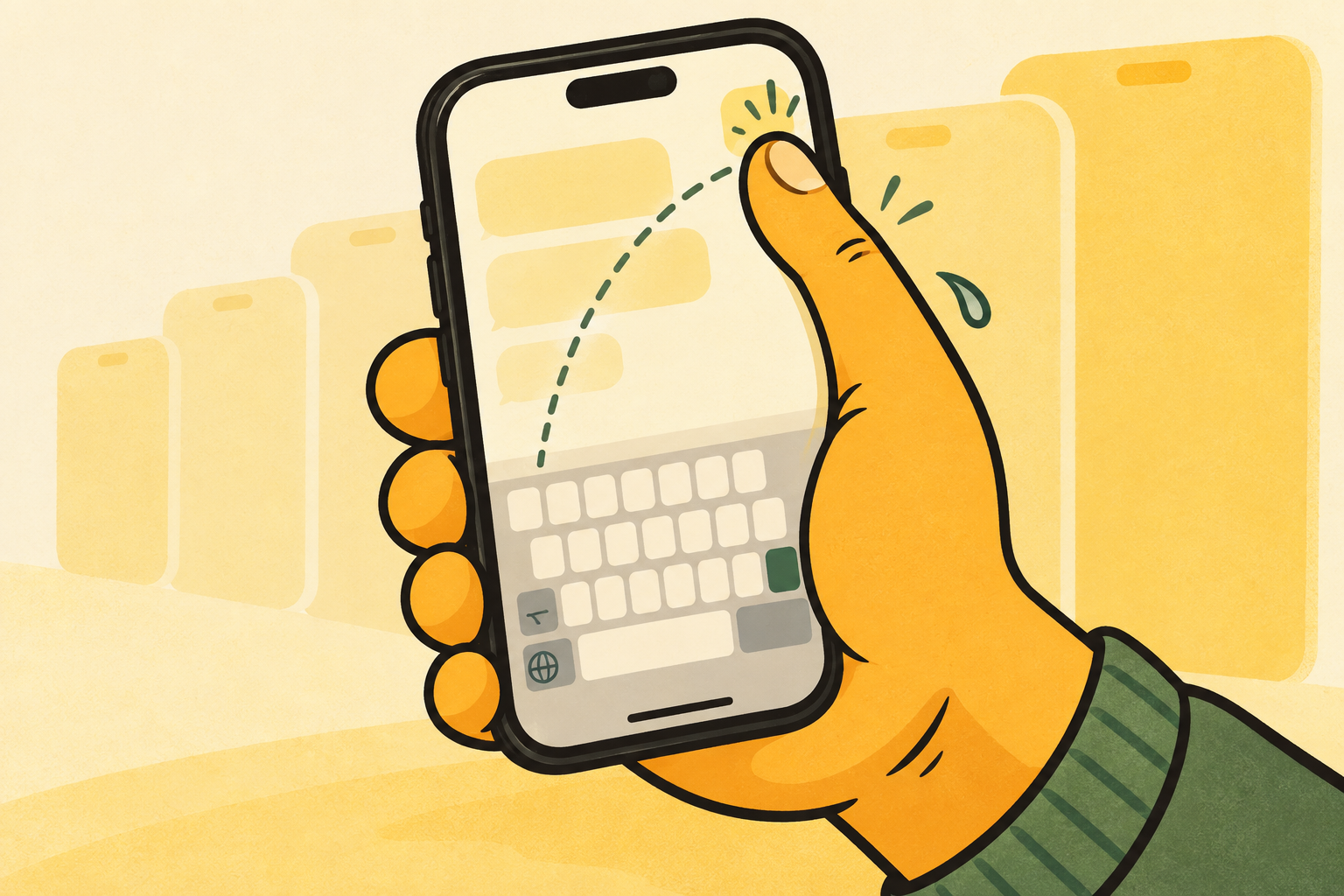
iphone includes useful features such as reachability and a one-handed keyboard layout. they can reduce the distance to controls without changing the words you write or the layout you know.
una mano extends the same simple idea to the keyboard itself: choose left, centre, or right, and keep the keys and everyday controls close to the thumb that is typing.
choice over promises.
a keyboard cannot promise the same result for every person or situation. the useful test is personal: does this position let you type with less stretching, fewer grip changes, or more confidence?
try apple’s built-in options first. if familiar qwerty in a more adaptable position suits the way you use your phone, una mano is another choice to have available.
try a small reach check.
open a normal message and type a sentence with the hand you use most. notice whether you have to shift the phone, stretch for the far letters, or move your thumb away from its natural path for emoji, numbers, and return.
then try apple’s left or right layout, or una mano’s left, centre, and right positions. the useful result is not a score. it is finding the option that lets you complete an ordinary reply with less unnecessary movement.
start with the options already there.
apple’s own keyboard and reachability options are a good first step. una mano is an additional choice for people who want keyboard position to remain adjustable from the keyboard itself.
if you use other assistive features or have a specific access need, choose the setup that works in your daily apps and environments. a personal trial is more useful than a broad promise about what should work for everyone.
keep the important controls together.
letters are not the only part of a keyboard you need to reach. numbers, emoji, return, and keyboard switching are part of writing a real message too. moving only the letters can leave the next action on the wrong side of the screen.
una mano is designed to keep those everyday controls with the position you choose. that does not make it right for everyone, but it makes the reach choice more complete when position is the thing you are adapting.